
Pulling Employee Data from BambooHR API: Complete Guide
Summarise the blog with AI

BambooHR is one of the most widely used HRIS platforms for SMB and mid-market companies. Getting employee data from BambooHR reliably is a common requirement for HR Tech and benefits platforms. This guide covers how to access employee data via the BambooHR API, and how Bindbee simplifies this at scale.
BambooHR API Overview
BambooHR provides a REST API using API key authentication. Key employee data endpoints include: GET /employees — list all employees; GET /employees/{id} — get a specific employee; GET /employees/changed — get recently changed employees (useful for incremental sync); GET /reports/custom — custom reports for bulk data export.
Authentication
BambooHR uses HTTP Basic Authentication with an API key as the username and any string as the password. API keys are generated per BambooHR subdomain. For platforms serving multiple employers, each employer's BambooHR instance requires a separate API key.
Key Data Available
Employee records, employment status, job information (title, department, manager), compensation, work location, time-off balances, and custom fields defined by the employer's BambooHR configuration.
Common Integration Challenges
Custom fields: BambooHR allows employers to create custom fields, which means the schema varies per employer. Your integration needs to handle custom field discovery and mapping. Rate limits: BambooHR enforces per-API-key rate limits. Incremental sync: The /employees/changed endpoint helps but requires tracking the last sync timestamp per employer.
Using Bindbee for BambooHR Integration
Bindbee normalizes BambooHR employee data alongside 65+ other HRIS and payroll systems. Instead of managing API keys per employer and handling BambooHR's schema variations, you connect once to Bindbee and get consistent employee data across your entire customer base.
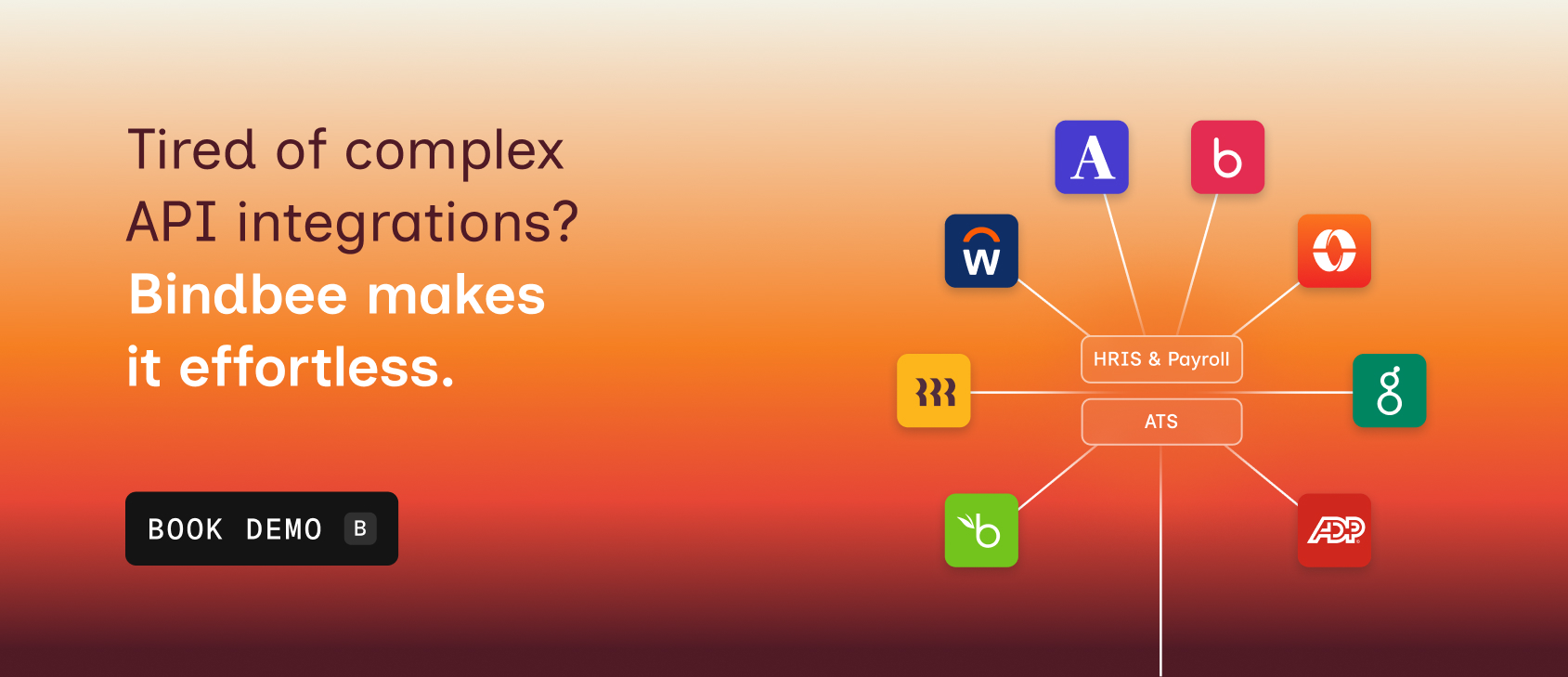
Book a demo to see how Bindbee normalizes BambooHR and 65+ other HRIS integrations.